Jira integration
Keep issue identity and mapped workflow updates connected in both directions.
See Jira integrationSunday for engineering
Give engineering one live flow for planned work, in-flight delivery, blocked fixes, and the context needed to ship with confidence.
Engineering delivery flow
Kanban view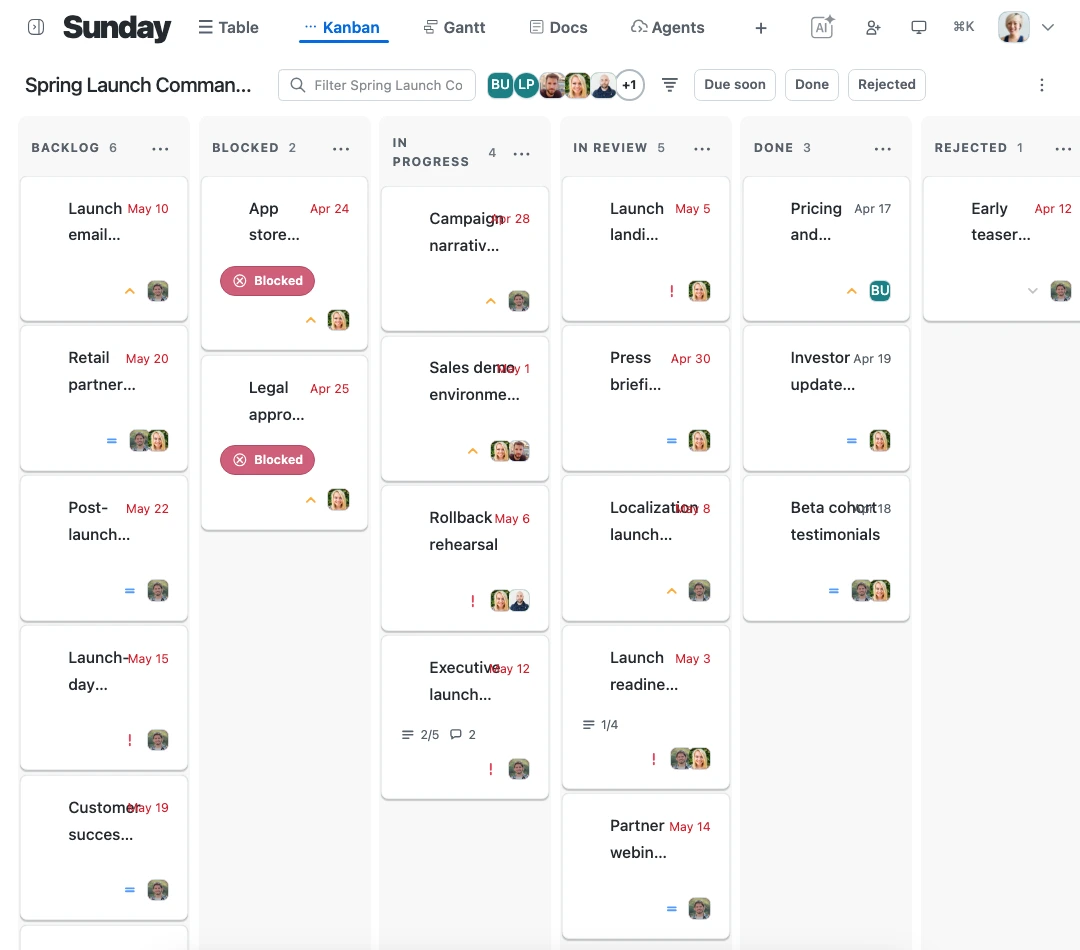
Start with flow
Follow movement, blockers, and custom status stages visually while the team works from the same backlog and sprint plan.
See the Kanban viewWhat this gives engineering
Keep delivery connected to context
Connect the issues, assistant context, and delivery timing that help the team decide what to pull next and what needs attention.
Keep issue identity and mapped workflow updates connected in both directions.
See Jira integrationAsk for context, summaries, plans, and approved changes without copying work elsewhere.
See AI assistantsSee delivery dates, dependencies, overlap, and timeline risk.
See the Gantt viewFrom backlog to release
The team can move from a signal in the flow to the context behind it without splitting the delivery picture across tools.
Set the status flow that matches how the team actually delivers.
Use the flow to make stuck work and unexpected pressure obvious.
Bring dependencies and delivery dates into the same planning conversation.
Sunday for engineering
Start with a live engineering flow that keeps backlog, context, and timing together.
Start free