Automations
Move support work and connected actions from validated status rules.
See automationsSunday for IT and support
Turn incoming requests into owned, visible work with the context and controls your team needs to support people well.
Support request flow
External intake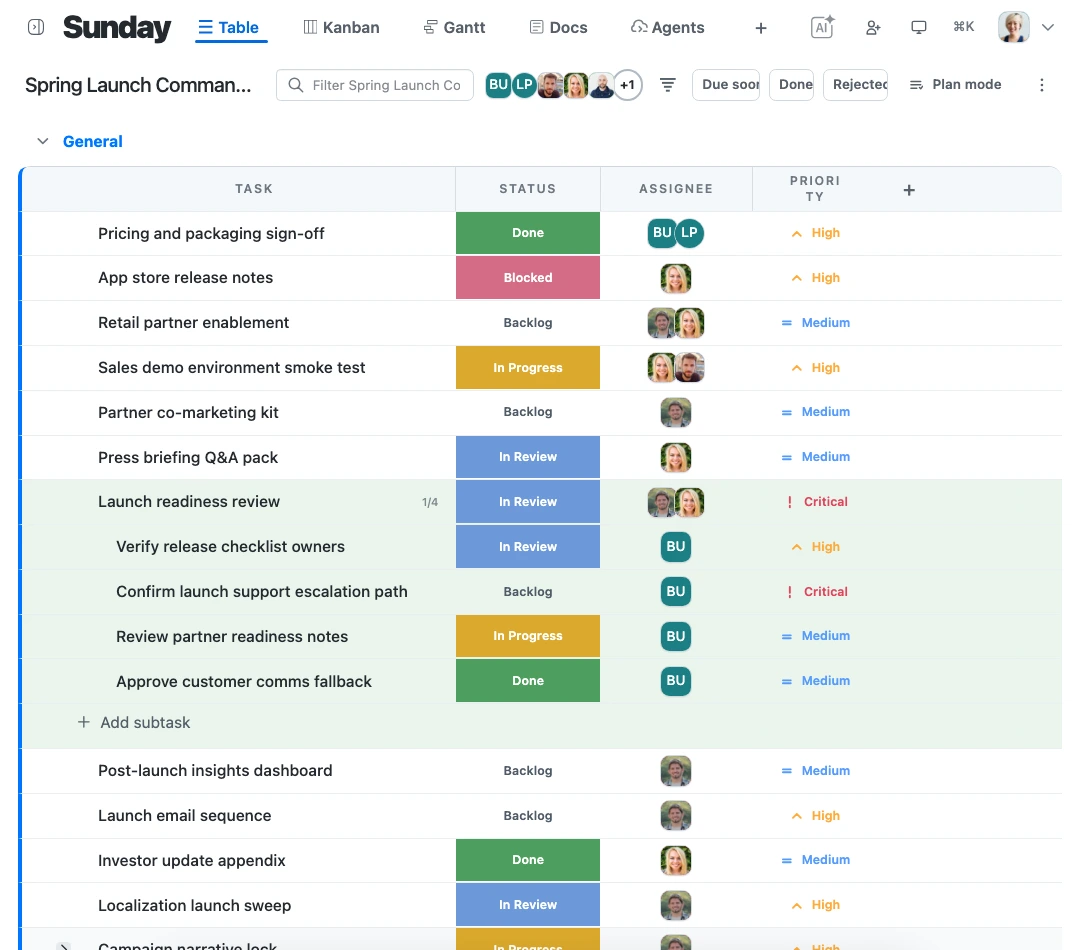
Start with a controlled request path
Turn controlled public forms into structured work without exposing the workspace, so every request starts with the context your team needs.
See external intakeWhat this gives an IT team
Keep the response path dependable
The request, its automation, and the permissions around connected work stay together from intake through resolution.
Move support work and connected actions from validated status rules.
See automationsAuthorize actions as the acting user and scope them to the workspace or board.
See permission checksGive approved agent clients and integrations the same validated capability layer.
See MCP & APIFrom incoming request to resolution
Every request enters with the right details, goes to an accountable owner, and remains visible until the work is resolved.
Collect the needed context through a controlled request path.
Use the request details and rules to move the work to the right next stage.
Keep status, ownership, and follow-through clear until the request is complete.
Sunday for IT and support
Start with a controlled support flow that keeps the request and the resolution on the same plan.
Start free